A Klaviyo flow can be visible in the account, contain finished emails, and still send nothing to the person you are testing. The reason may be a missing event, the wrong destination list, a deliberate purchase filter, a message waiting for review, or a contact-pressure rule. Each needs a different response.
Start with one profile and one expected message. Trace the path in order, using the account's recorded activity rather than repeatedly submitting the same address and hoping for another email. This guide explains how to find the decision that stopped the send while preserving the rules that protect customers.
Define the expected profile, event, and message
Write down the profile, flow, message, expected trigger, and time of the test. Include the integration source and the relevant channel. “The welcome flow does not work” is too broad to diagnose; “this new eligible subscriber joined this list but did not reach this first message” is a traceable question.
Verify the event definition before judging its absence. In the Shopify integration, events such as Placed Order and Checkout Started describe specific actions, and Checkout Started follows email entry with a customized-checkout caveat. A cart existing in the browser is not proof that the metric selected by the flow was recorded on an identified profile.
Keep the test narrow. Use controlled information you are entitled to inspect, and avoid changing several flow settings at once. Record what should happen and what actually happened. The first mismatch provides a useful investigation point; the later missing email may simply be its consequence. A clean test record also makes a support request much more useful.
Reference: Shopify data reference.
Check the trigger and its actual data source
Open the profile's activity and find the precise trigger your flow uses. Similar names can belong to different integrations or custom events. Confirm a recent event, its timestamp, and the properties the trigger filter expects. If the event never arrived, message design and sending status are downstream questions.
For list-triggered flows, check the real destination selected by the signup form or Shopify subscriber integration. A matching-looking list name is not enough. For segment-triggered flows, inspect the conditions and whether the profile joined through the expected behavior. The source and route matter as much as the profile's current presence in the account.
Review recent integration, theme, form, or list changes. An installation can remain present while an important setting or mapping changes. Klaviyo's Shopify integration guidance includes subscriber destinations and onsite tracking configuration; verify the part relevant to your trigger. Use a new controlled action to confirm the evidence rather than assuming historical data demonstrates the current path works.
Reference: Getting started with Shopify; Flow triggers and filters.
Inspect entry, history, and current re-entry settings
A profile that is in a list now did not necessarily enter the flow through the intended trigger. Klaviyo documents additions that do not behave like a normal new subscription, including certain merges, backdated integration consent, and segment-definition changes. Inspect how the profile arrived, not only where it appears today.
Current list- and segment-triggered flows default to No re-entry, with other re-entry settings available on the trigger. An old test profile may therefore be unsuitable for proving a fresh welcome journey. Check the actual setting before relying on advice that every list flow can only run once forever or that removing and readding an address always works.
Reference: Troubleshooting list and segment flows; Double opt-in.
Put it into practice
Flow troubleshooting router
Find the first unverified point before a send
Change the inputs to prepare your next decision. This tool runs locally and does not connect to your store.
 senditive.com
Check delays and the status of the actual message
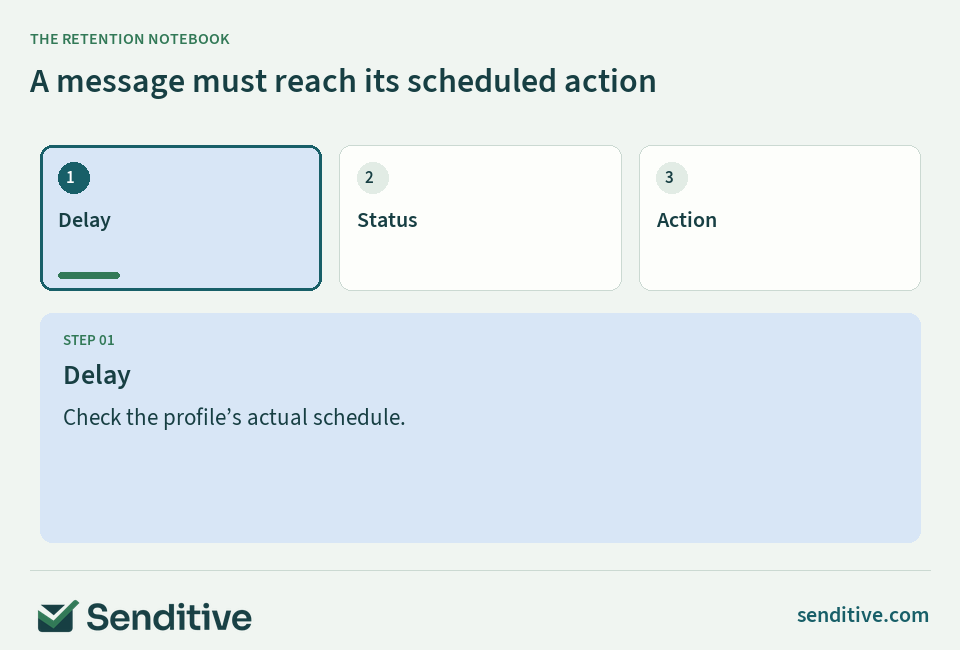
Inspect the message the person is waiting for, rather than relying on a general impression that the flow is live. Klaviyo's Live status sends eligible messages automatically after configured delays; Manual is for reviewing and sending yourself. Unconfigured actions can remain in Draft even when other actions are updated together.
Compare the expected send time with the profile's place in the journey. A delay, a scheduled status change, or a waiting step can explain why the message has not sent yet. Account time settings and the event timestamp should be interpreted consistently so a clock difference does not become a false failure.
Be careful when editing a live journey. Klaviyo documents that changing a delay does not reschedule someone already scheduled for a step based on that delay. Steps further ahead may affect their future path. Record which profiles are already waiting and which will enter later. Test the intended future behavior without assuming every person already inside the flow is automatically moved to the new schedule.
Reference: Flow ready to send.
Separate trigger filters from repeated eligibility checks
Trigger filters narrow the triggering event at entry. Profile filters evaluate properties or behavior when a person enters and again before flow actions. Additional filters apply to an individual message. These scopes explain why someone can enter a flow but later skip one message without demonstrating that the entry trigger failed.
A profile filter can change its result during a delay. Someone may order, change a property, or no longer meet the intended audience condition. Klaviyo documents that a failed filter before an action skips that action while the person can continue to later steps, where the filter is checked again. Do not describe every skipped action as permanent removal from the flow.
Read each condition against actual profile or event data. Check the time window, exact property value, and AND/OR logic. Use the eligibility simulator below to understand the sequence, then verify the real account. Removing all filters may increase sends while breaking the customer experience the flow was designed to protect.
A free consultation can help you discuss that acceptance check and the operational priorities for the rest of the automation.
For a purchase-aware promotion, write the intended behavior in two sentences: an eligible nonbuyer should receive the message after the delay; someone who orders before that action should not receive the outdated promotion. Test each path separately. Inspect the relevant order event and the filter result at the action, then record the expected next step for both profiles. This distinguishes a functioning exclusion from a broken send. It also gives another operator a reproducible acceptance check without needing to guess which settings were changed during troubleshooting.
Reference: Flow triggers and filters.
Put it into practice
Flow eligibility simulator
Understand entry, action checks, and message status
Change the conditions to trace the decision. This local model explains the documented checks and cannot send a message or replace actual Recipient activity.
senditive.comVerify the channel status without overriding it
A profile's existence does not establish permission or the ability to receive a marketing message. Inspect the relevant channel status, suppression, and contact information. Klaviyo distinguishes subscription from suppression; a subscribed person can still be suppressed. Check the specific reason rather than relying on an old list label or an active-profile count.
Treat email and SMS separately. A usable email address does not grant SMS permission, and a phone number alone does not demonstrate a supported, eligible text recipient. The correct action may be to preserve the exclusion rather than force the message through.
Do not repair a missing marketing send by marking a promotional message transactional, importing permission you do not have, or removing a suppression without understanding its cause. If a consent record or status appears inconsistent, identify its source and resolve it through the appropriate process. The objective is a correct send to the intended audience, not a send to every profile regardless of the reason it was excluded.
Reference: Active email profiles; Collecting contact information.
Read the recorded skip reason before changing settings
Open the message's Recipient activity and Skipped view. Klaviyo provides reason categories such as Smart Sending, failed flow filters, failed additional filters, and channel-specific problems. Choose a representative profile within the relevant category and compare the recorded outcome with your intended rule.
Smart Sending is a contact-pressure control. Its windows are separate by channel, and a message skipped for this reason is not automatically rescheduled. Changing the window is not a retroactive way to resend all previously skipped messages. Review the recent contact and the role of the message before deciding whether its setting should change.
Reference: Flow message skipped reasons; Smart Sending.
Put it into practice
Skip-reason action planner
Turn a recorded reason into a controlled next step
Change the inputs to prepare your next decision. This tool runs locally and does not connect to your store.
senditive.comSeparate content problems from inbox placement
Use an actual preview and a controlled profile to check product data, links, dynamic content, sender details, and the rendered message. A preview can identify content problems, but it does not reproduce every entry, timing, or channel-eligibility condition. Keep the content check separate from the real flow test.
Inspect the status and recipient activity when the platform reports a content or sending issue. Missing event data, an unsuitable dynamic block, or another message-specific problem can need a different fix from an integration failure. Preserve the recorded error and the profile context so the person making the repair can reproduce it.
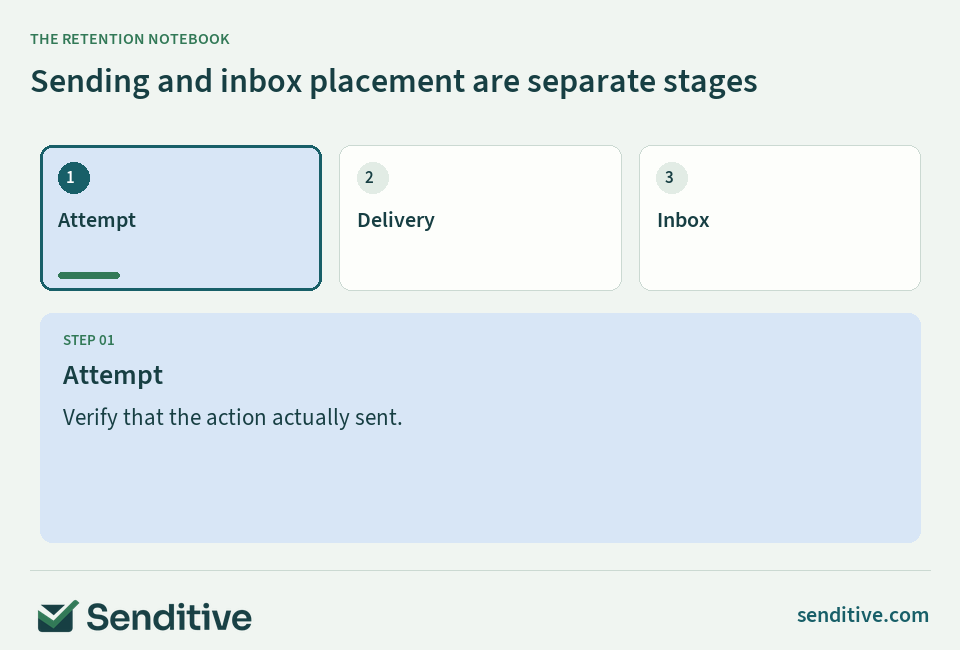
If a message was actually sent but is not visible where expected, investigate delivery and inbox placement as a separate stage. Authentication and sender reputation matter; Google's personal Gmail guidance has different all-sender and bulk-sender requirements. Do not use an empty inbox as proof that the flow never attempted to send, and do not use a successful send status as proof of inbox placement.
Reference: Flow ready to send; Flow message skipped reasons; Email sender guidelines.
Retest a positive path and a protective exclusion
After fixing the first verified issue, repeat the same controlled path and confirm the expected event, entry, timing, and message. Then test someone who should be excluded. Depending on the flow, that could be a purchaser, an ineligible channel profile, or a person who does not meet the intended audience condition.
Record the current configuration and the acceptance check. If the repair changes a rule shared by several messages, inspect those messages as well. A successful first email does not demonstrate that later purchase-aware behavior, branch routing, or offer content is correct.
Use fresh evidence for changes to triggers, mappings, and re-entry. Avoid repeatedly altering a historical test profile until it produces a message through an exceptional route. That may prove the exception while leaving the customer path broken. A dependable test should be repeatable by another operator using the documented steps and an appropriately controlled profile.
Keep a small incident record and assign the next owner
Document the symptom, affected audience, first failed check, change, owner, and verification result. Include rules intentionally left in place. This prevents the next person from reversing the fix because a protective skip still appears in the report.
Add checks when the store changes in ways that affect the flow: form destinations, themes, integrations, product data, offer rules, or message schedules. Ongoing management is useful because the journey depends on those changing inputs. Keep the record concise enough that the team will actually maintain it.
If the cause remains unresolved, escalate with the profile, event, message, timestamp, and observed activity rather than a broad statement that nothing sends. A free consultation with Senditive can help you discuss the investigation and a personalized roadmap for reliable automations. Finish the diagnosis with a verified next action, not a collection of settings changed without a clear explanation.
Your questions, answered
Why does a preview send while the live flow does not?
A preview checks the content and selected data context. Real flow sending also depends on trigger entry, history, timing, message status, eligibility, and filters. Trace the actual profile through those checks.
Can a profile enter the same welcome flow again?
Current list- and segment-triggered flows default to No re-entry, but the trigger supports other re-entry settings. Inspect the actual flow rather than assuming old behavior applies universally. A fresh controlled subscriber is often the clearest way to test a new-entry path.
Does a failed profile filter remove someone from the whole flow?
At entry, a failed profile filter prevents entry. Before a later action, the action can be skipped while the profile continues to subsequent steps, where filters are checked again. The exact condition determines whether later qualification can change.
Should I turn off Smart Sending to fix missing messages?
First verify that Smart Sending is the recorded reason and decide whether the recent contact should protect the recipient. Windows are channel-specific and skipped messages are not automatically rescheduled. Changing the setting everywhere can create excessive contact.
Choose your next improvement
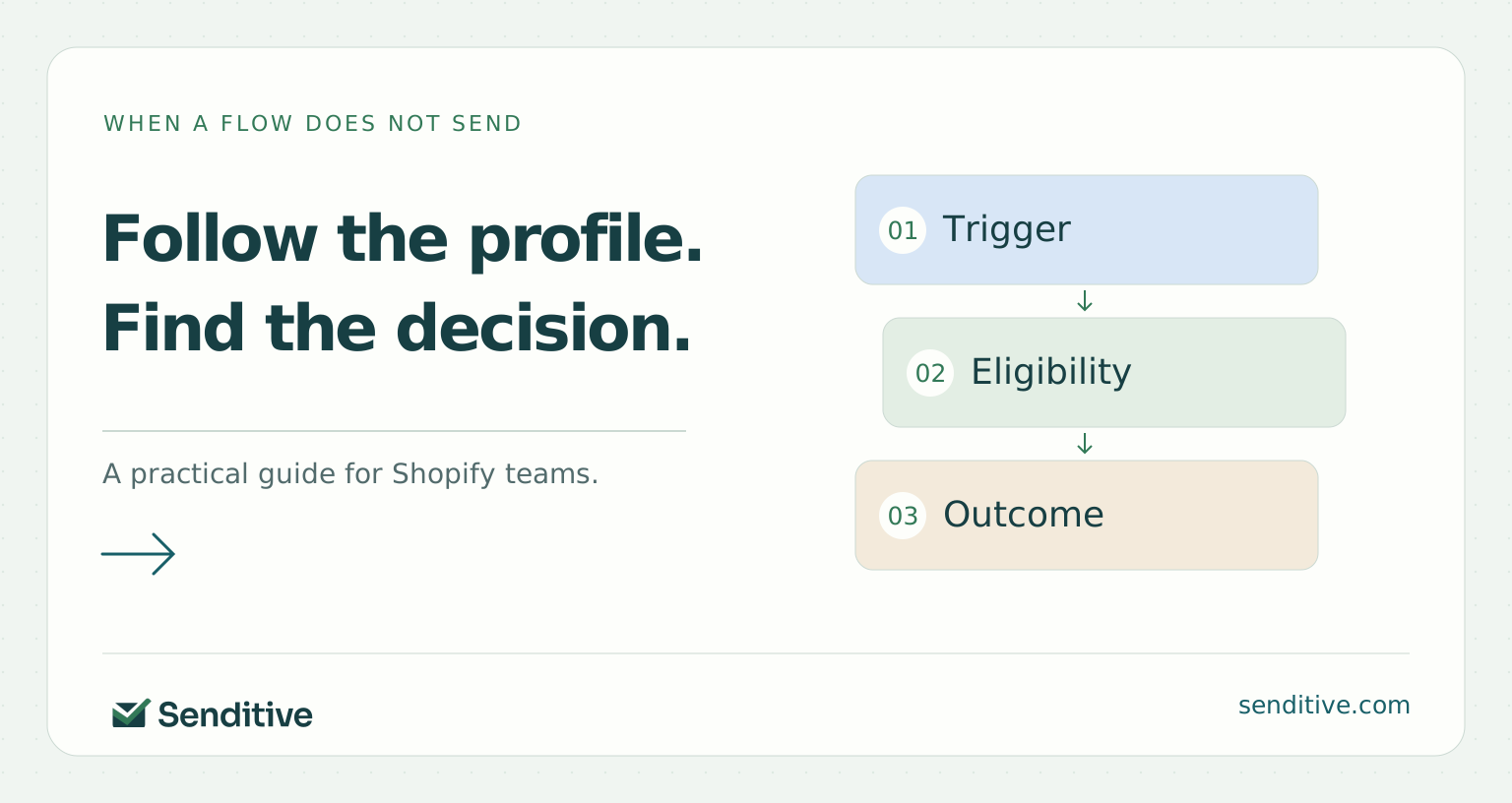
Troubleshoot in the order the customer moves: data, entry, timing, eligibility, action, and delivery. Keep intended exclusions while repairing the first verified mismatch.
Sources and further reading
- Klaviyo: Shopify data reference
- Klaviyo: Getting started with Shopify
- Klaviyo: Flow triggers and filters
- Klaviyo: Troubleshooting list and segment flows
- Klaviyo: Double opt-in
- Klaviyo: Flow ready to send
- Klaviyo: Active email profiles
- Shopify: Collecting contact information
- Klaviyo: Flow message skipped reasons
- Klaviyo: Smart Sending
- Google: Email sender guidelines