The right email platform is the one your team can use to run the customer journeys your store needs. A long feature list does not guarantee better execution, and a lower software bill does not describe the full cost of planning, production, maintenance, and reporting.
Compare Klaviyo and Shopify Messaging against a defined workload. Shopify Messaging is the current product name in Shopify's documentation, including email and supported SMS capabilities. Klaviyo combines its Shopify integration with a separate marketing platform. This guide helps you test requirements and tradeoffs without assuming that one option is universally more advanced, cheaper, or appropriate for every store.
Write the workload before comparing products
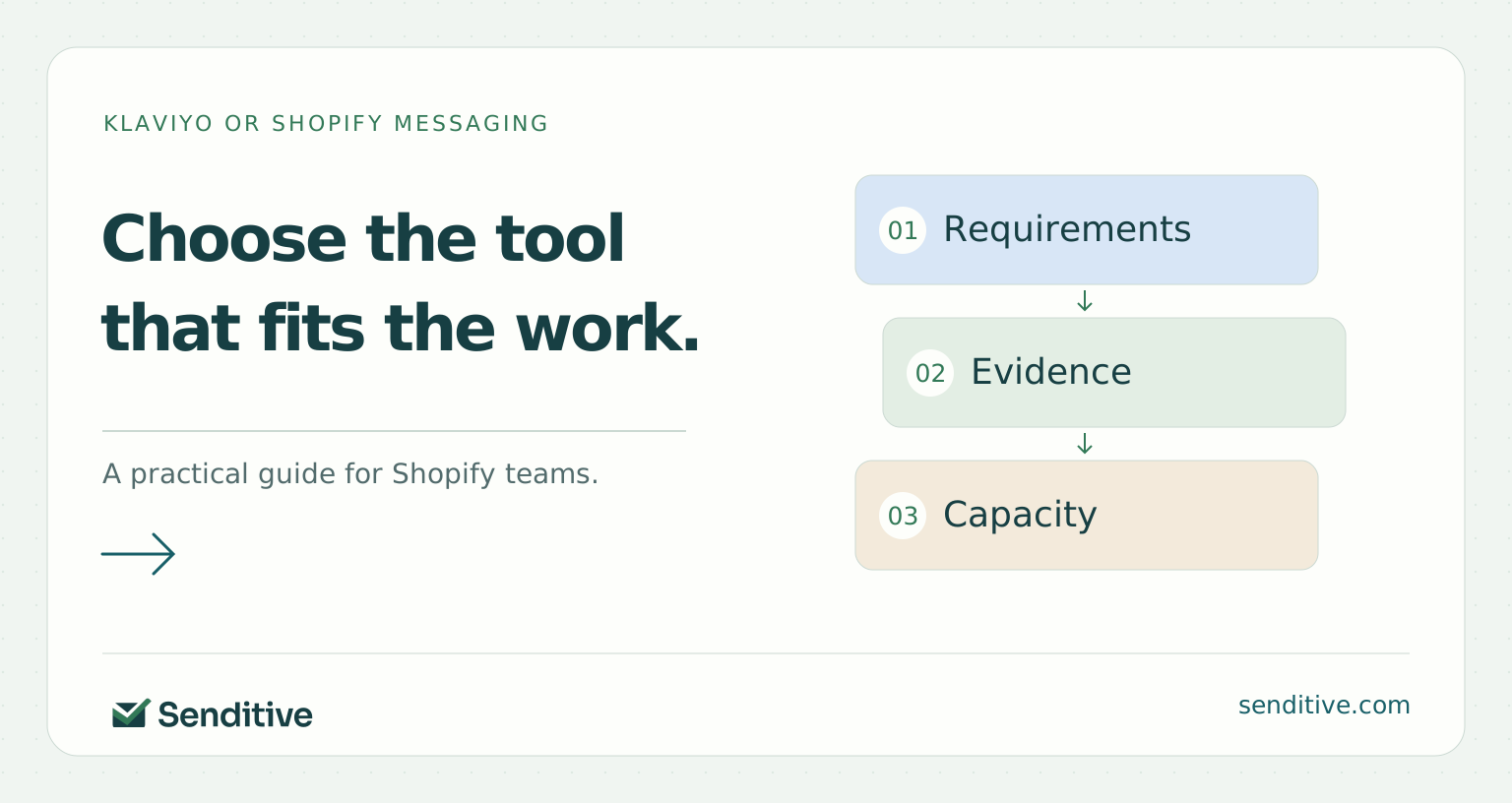
List the customer moments you need to support now: signup, welcome, shopping recovery, post-purchase education, repeat purchasing, and planned campaigns. Name the audience and purpose for each. A platform comparison becomes more useful when it starts with work your store will actually execute.
Separate mandatory requirements from optional ideas. You may need a clear welcome path and a manageable campaign process before complex branching becomes useful. Another store may already depend on detailed customer attributes, several integrations, or more specialized experiments. Those are different selection problems, even when their subscriber counts look similar.
Record your team's capacity and ownership. Who plans, creates, builds, approves, and maintains the program? A feature has little value if no one can operate it reliably. Use the needs matcher to surface questions worth verifying, then demonstrate the important requirements in the current product. It is a decision aid, not a certification that either platform fits every detail of your account.
Check the native Shopify workflow on its current merits
Shopify Messaging provides campaign and automation workflows connected to the Shopify admin. Its documented templates include welcome, browse, cart, checkout, and post-purchase use cases, with channel availability varying by template. Do not judge the current product from an old description that treats it only as a basic newsletter sender.
Shopify customer segments can support relevant audiences, and Shopify Forms provides collection and submission-management capabilities. Inspect how those pieces work together for your intended invitation, channel, audience, and follow-up. A native path can reduce the number of systems involved, while still requiring careful planning and verification.
Demonstrate the cases you need rather than assuming every template matches your commercial rules. Check prior purchasers, offer eligibility, purchase exits, and the effect of another active sending app. The useful question is whether the workflow can express your actual requirements and whether your team can understand the result, not simply whether a similarly named template is available.
Reference: Marketing automation templates; Customer segmentation; Managing Forms.
Check the Klaviyo workflow against the same cases
Klaviyo's Shopify integration brings profile and order data into a separate platform and includes configuration for subscriber destinations, onsite tracking, and data synchronization. Verify those settings for the paths you intend to use. Connected does not automatically mean every relevant event or subscription handoff behaves as expected.
Review flow entry, profile filters, individual message filters, and the data available for your intended decisions. Evaluate forms and their reporting using the actual metric definitions. The platform can support a detailed workflow, but the detail also creates work for the people configuring and maintaining it.
Reference: Getting started with Shopify; Flow triggers and filters; Sign-up form analytics.
Put it into practice
Email platform needs matcher
Turn requirements into demonstrations to request
Change the inputs to prepare your next decision. This tool runs locally and does not connect to your store.
 senditive.com
Compare segmentation and data requirements concretely
Write the audience conditions in plain language. For example, you may need eligible subscribers interested in a product category who have not yet purchased it. Then identify the data source, event, property, and timing needed to express that group. A vague request for advanced segmentation is difficult to verify.
Test whether the required information is present and usable in each workflow. Shopify and Klaviyo expose customer and purchase information through their respective systems, but a field's presence does not prove that it updates when or how your process needs. Check one representative profile or customer and a recent change in behavior.
Include the apps your store depends on. Reviews, subscriptions, loyalty, support, and fulfillment may create useful data or additional complexity. Verify the exact integration and the intended action rather than counting integrations as a score. If a required connection is missing or uncertain, mark it as a decision dependency instead of assuming a custom workaround is simple or free.
Reference: Customer segmentation; Shopify data reference.
Evaluate forms, offers, and testing as one journey
Compare the signup invitation, channel choice, confirmation, audience destination, and first message together. A form that looks good but routes subscribers incorrectly is not a complete solution. Check how the proposed platform handles the specific form types, targeting, and follow-up your store needs.
Inspect test capabilities against your actual questions. Klaviyo documents form A/B testing and distinguishes unique test metrics from total-event Overview metrics; timing tests have their own eligible-view definitions. Do not assume another platform's rate answers the same question merely because both reports use the word conversion.
Decide how much ongoing experimentation your team can support. You need a hypothesis, reliable setup, useful counts, and an appropriate follow-up period, regardless of the tool. If a required testing method is unavailable in your account, record the additional process or tool needed. The best comparison includes the work necessary to reach a decision, rather than a yes/no feature label detached from how testing will be performed.
Use a free consultation to discuss the necessary data, follow-up, and ownership before choosing tools for that journey.
Take one requirement that sounds abstract, such as personalized welcome education, and turn it into a demonstration. Identify the signup source, the product-interest signal, the permitted channel, the intended destination, and what should change after a purchase. Ask the operator to show the required data and the message path in each candidate setup. Record demonstrated capability separately from a promised workaround. You may discover that both options meet the need, or that the real constraint is missing product-interest data rather than the platform. Either result makes the selection more concrete.
Reference: Managing Forms; A/B testing sign-up forms; Double opt-in.
Compare costs using your expected usage and workload
The billing units differ. Klaviyo describes month-to-month profile and send-capacity pricing with separate text messaging, while Shopify documents email recipient sends and its current allowance and volume tiers. Review the live pricing pages and your account agreement. Avoid relying on an old dollar comparison at a single list size.
Model campaigns and automations together, with normal and peak usage. Add any supporting apps, implementation work, and internal operating time. If an agency manages the program, compare the service scope separately from the platform fee. A less expensive subscription can still require more internal work; a larger subscription can include capacity you do not yet use.
Use the cost comparison tool with current quotes and your own hourly assumptions. It separates recurring cash, upfront setup, and internal time over a chosen period. The result is a scenario, not an official platform quote or a forecast of return. Choose the option whose total workload and economics fit the store, while keeping unknown charges visible.
Reference: How pricing works; Messaging email pricing.
Put it into practice
Platform operating-cost comparison
Include subscription, setup, and internal effort
Use your current quotes and planning assumptions. All money fields are USD. Zero means no cost in this scenario; an unknown quote should be resolved before deciding.
senditive.comExamine reporting definitions before choosing on revenue
Ask what each report counts, how it assigns credit, and which event represents an order. Platforms can show different revenue because of attribution windows, engagement rules, timing, and other definitions. A larger reported number is not evidence that one platform created more demand from the same customers.
Within Klaviyo, form-linked revenue and message attribution are separate views. The same order can be associated with both under their respective rules. Keep that distinction when comparing signup and email outcomes, and do not add overlapping credit as though it represented separate sales.
Reference: Message attribution; Revenue metrics for sign-up forms.
Assess the people and process required to operate it
Ask the person who will run the platform to perform a realistic workflow: prepare a campaign, choose the audience, review a flow, and investigate an excluded recipient. Notice where they need training, documentation, or another owner. These costs and dependencies matter even when the feature is technically available.
Clarify permissions and account control. Klaviyo documents roles with different capabilities, and the merchant should retain the relevant ownership and billing control. Establish who can publish, change integrations, manage access, and handle urgent questions. Similar responsibilities exist around native Shopify workflows even when fewer tools are involved.
Keep deliverability responsibilities explicit in either option. Authentication, audience permission, complaint handling, and appropriate unsubscribe behavior do not disappear with a platform change. Google's guidance for personal Gmail recipients remains relevant to the sending setup, with different requirements for all senders and bulk senders. A migration should not be presented as a guaranteed way to reach every inbox.
Reference: User management and privileges; Email sender guidelines.
Treat migration as a controlled customer transition
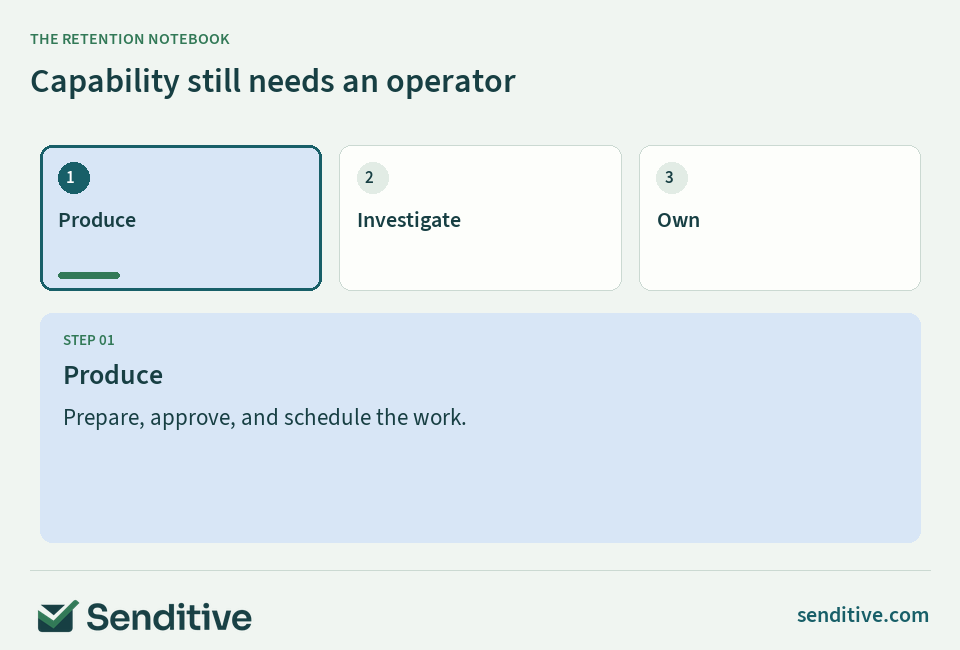
Before changing systems, inventory the live campaigns, automations, forms, subscriber sources, and transactional notifications. Name which system will own each marketing conversation after the transition. A duplicate welcome or recovery path can create confusion even if both individual builds are correct.
Preserve the meaning of subscriber data and the records needed for appropriate use. An exported list is not automatically a transferable, fully eligible audience. Check consent, suppression, identifiers, custom properties, and the platform's current migration guidance. Klaviyo's export and integration documentation describes specific mechanisms and cautions that need to be considered in the actual setup.
Plan the sequence with an accountable owner and rollback criteria where feasible. Test the new entry and follow-up path, confirm the old marketing path is deliberately retired, and preserve necessary order and shipping notifications. Do not run two systems indefinitely just to avoid deciding which one owns the customer experience. Document the transition so the next operator can understand it.
Reference: Getting started with Shopify; Exporting lists and segments.
Put it into practice
Migration readiness and handoff
Identify the next transition dependency
Change the inputs to prepare your next decision. This tool runs locally and does not connect to your store.
senditive.comDecide on verified requirements and a review point
Bring the comparison back to the workload you wrote at the start. Mark each required capability as demonstrated, missing, or still unverified. Identify the costs and team commitments behind any workaround. If an important requirement is uncertain, resolve it before treating the platform choice as complete.
Choose a review point after the initial operating period. Confirm that the key journeys work, production fits capacity, reports are understandable, and the actual usage aligns with the budget. Expansion can follow evidence of a real need; it does not need to be purchased in advance because a comparison table contains more checkmarks.
A free consultation with Senditive can help you discuss the priorities and a personalized roadmap for the platform you choose. Shopify Messaging and Klaviyo are tools for a customer program. The better decision connects capability, ownership, economics, and the experience your store is prepared to maintain, rather than treating software selection as a substitute for that work.
Your questions, answered
Is Shopify Messaging the same product as Shopify Email?
Shopify’s current documentation uses Shopify Messaging for the app’s email and supported SMS workflows. Check the current feature, channel, market, and account requirements rather than relying on an older comparison of product names.
Is Klaviyo always the better choice for a growing Shopify brand?
Growth alone does not decide. Compare the customer journeys, data, tests, reporting, integrations, budget, and operating capacity you need. Demonstrate important requirements in the current account, and distinguish mandatory capabilities from unused possibilities.
Can I use both platforms at the same time?
Some stores can maintain distinct responsibilities, but ownership must be explicit. Check overlapping campaigns, forms, welcome and recovery messages, and subscriber changes. Running both without a transition or channel plan can create duplicate contact and harder reporting.
Will changing platforms fix deliverability or create more revenue?
There is no automatic guarantee. Authentication, permission, message relevance, reputation, execution, and commercial demand still matter. Define the problem and verify its cause before treating a migration as the remedy.
Choose your next improvement
Choose the platform that can demonstrate your required workflows at a cost and operating effort your store can sustain. Keep the customer program, rather than the feature contest, at the center of the decision.
Sources and further reading
- Shopify: Marketing automation templates
- Shopify: Customer segmentation
- Shopify: Managing Forms
- Klaviyo: Getting started with Shopify
- Klaviyo: Flow triggers and filters
- Klaviyo: Sign-up form analytics
- Klaviyo: Shopify data reference
- Klaviyo: A/B testing sign-up forms
- Klaviyo: Double opt-in
- Klaviyo: How pricing works
- Shopify: Messaging email pricing
- Klaviyo: Message attribution
- Klaviyo: Revenue metrics for sign-up forms
- Klaviyo: User management and privileges
- Google: Email sender guidelines
- Klaviyo: Exporting lists and segments