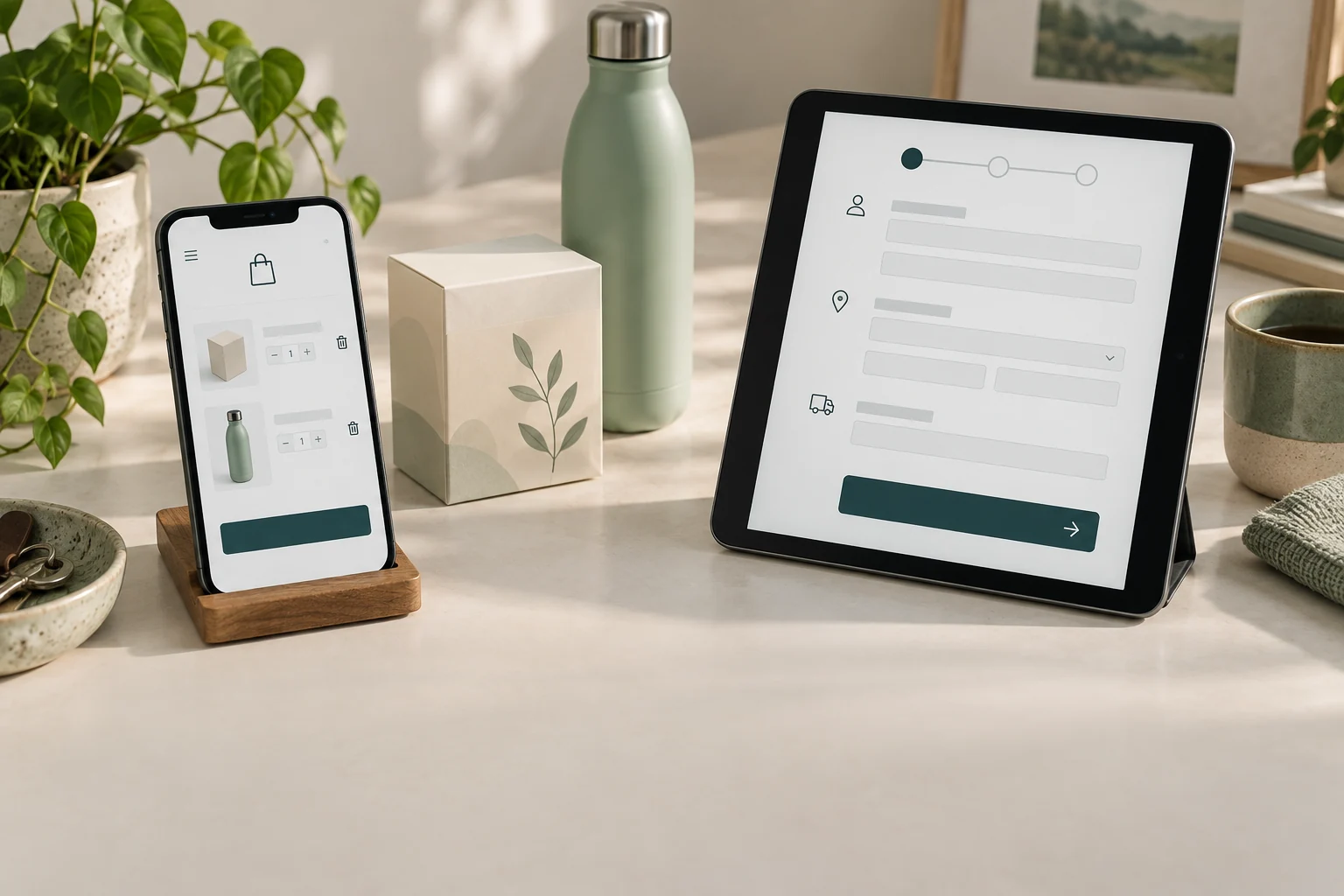
A shopper puts a product in a cart, opens checkout, and leaves. Your store might record several events along that journey, but those events do not all describe the same opportunity. A cart reminder can support product selection; a checkout reminder can help someone finish a purchase they have already started.
The practical question is which event you can track reliably, which shoppers are eligible to receive a message, and what help they need next. Choosing a template called “abandoned cart” does not settle those questions. In Klaviyo, that broad label can even describe a flow triggered by checkout activity.
This guide separates the stages, explains the current Shopify and Klaviyo details that matter, and gives you a way to plan both flows without duplicating messages. Start with the decision tools, then use the checks to verify your own store.
Define the shopping stage before choosing the automation
Treat the cart as a product-selection stage and checkout as a purchase-completion stage. Someone who added a jacket may still be deciding on size or comparing alternatives. Someone who entered checkout may need delivery details, payment help, or a convenient route back. These are useful working distinctions, rather than proof of why any individual left.
Shopify Messaging names its native templates “Convert abandoned product browse,” “Recover abandoned cart,” and “Recover abandoned checkout.” The cart template covers shoppers who added products but did not begin checkout. Browse recovery sits earlier, before an item is added. The wording helps you assign one purpose to each automation.
Klaviyo uses “abandoned cart” as an umbrella label for flows based on either Added to Cart or Started Checkout. Inspect the actual trigger and its integration source. A flow's friendly name can be changed by an employee, while the event underneath continues to determine who enters.
Write the stage definition into your planning document before designing a message. Include the entry event, the later event that should end the sequence, and the customer action the message supports. This prevents a naming disagreement from becoming two automations addressing the same shopper.
Reference: Klaviyo: How to create an abandoned cart flow; Shopify: Creating and managing marketing automations in Shopify Messaging.
Confirm that the event exists in your current integration
An attractive cart flow cannot compensate for a missing event. Open a recent profile activity timeline and locate the precise Added to Cart or Checkout Started metric your planned automation will use. Check its source, time, product details, and whether new events continue arriving. Avoid choosing a similarly named custom metric because it looks familiar.
Current Klaviyo Shopify guidance enables Added to Cart through the “Track behavioral events” setting alongside the app embed. Shopify-branded behavioral events use a Shopify pixel; Active on Site and Viewed Product have a different tracking path. Do not assume an older custom snippet, a new theme, and the current integration all behave identically.
For Shopify checkout data, Klaviyo documents Checkout Started after the shopper fills in their email. A customized checkout can require another step before the event is triggered. That event is distinct from Shopify's abandoned-checkout record, so their counts and timestamps are not automatically interchangeable.
Use a controlled test profile and record what actually happens in your store. If the event source is unclear, a free consultation with Senditive can help you discuss the integration, the missing evidence, and which recovery automation should be prioritized.
Reference: Klaviyo: How to enable onsite tracking for Shopify; Klaviyo: Shopify data reference; Klaviyo: Troubleshooting added to cart tracking.
Separate a stored cart from a contactable person
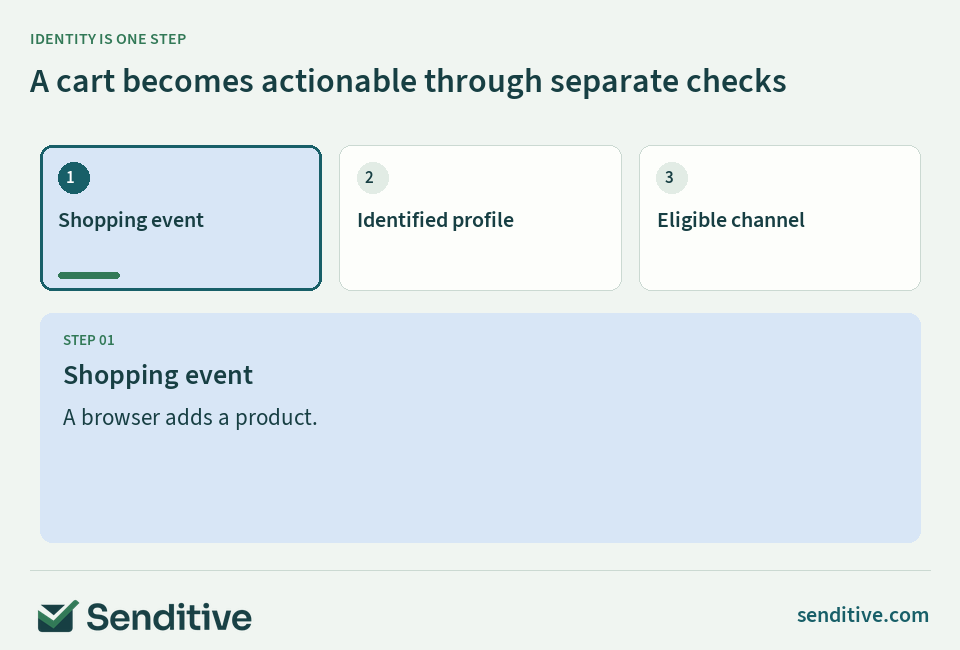
A browser can hold a cart without giving your email platform a deliverable email address. A tracking identifier can associate activity with a session without proving you know the person behind it. Before estimating how many recovery messages you could send, separate total shopping activity from identified profiles and then from eligible recipients.
Klaviyo's tracking documentation distinguishes anonymous activity from identified profiles. Forms, message clicks, checkout information, and account activity can help connect a shopper, depending on the tracking path. Browser restrictions, cleared cookies, consent settings, and blocked scripts can interrupt that connection. Recognizing someone on one device does not guarantee recognition everywhere.
For Shopify-pixel events, Klaviyo lists specific identification routes. A Klaviyo form submission can identify the profile for that route when syncing profiles from Klaviyo to Shopify is enabled. This is why a working signup form alone is not sufficient evidence that your Added to Cart event will attach as expected.
Build your reporting funnel around these differences. Count shopping events separately from unique identified people. Then ask how many people satisfy your channel rules. A smaller contactable audience is not automatically a tracking failure; the remaining activity may never have included the information or permission needed for a message.
Reference: Klaviyo: How to enable onsite tracking for Shopify; Klaviyo: Understanding cookies in Klaviyo.
Check channel eligibility independently of checkout information
An email entered to continue checkout is contact information, not automatic proof of a marketing subscription. Keep the event, the profile's subscription status, and the applicable sending rules as separate checks. For a marketing recovery program, use documented channel eligibility rather than assuming every address in an abandoned-checkout export belongs on a mailing list.
Klaviyo's Shopify subscriber sync follows Shopify's subscription model. Review the actual profile status and the integration settings that carry it, instead of using an old “Accepts Marketing” property as your single source of truth. If a person has unsubscribed, investigate the current status and its source before trying to make the flow reach them.
Shopify's new abandoned-checkout automation defaults to email subscribers, while its recipient setting can be changed to “All customers.” That product option does not turn checkout contact details into a subscription or answer every jurisdiction's sending requirements. Decide the appropriate policy for your store before changing the audience.
SMS needs its own channel eligibility and supported sending setup. Do not extend an email decision to a phone number. If these settings are difficult to reconcile, use a free consultation to discuss the operational checks and the questions your team needs to resolve before launch.
Reference: Klaviyo: How to sync Shopify email subscribers to a Klaviyo list; Shopify: Opt in to the new abandoned checkout automation.
Put the guide into practice
Which recovery route applies?
Check shopping stage, event reliability, identity, channel eligibility, and purchase status.
Choose the facts, then check the route
The result will separate shopping stage, identity, and channel eligibility.
Eligibility is an input you verify in your account and policy; this tool does not grant permission to send.
Need help choosing your next step? Book a free consultation.
 senditive.com
Move shoppers forward and stop after a purchase
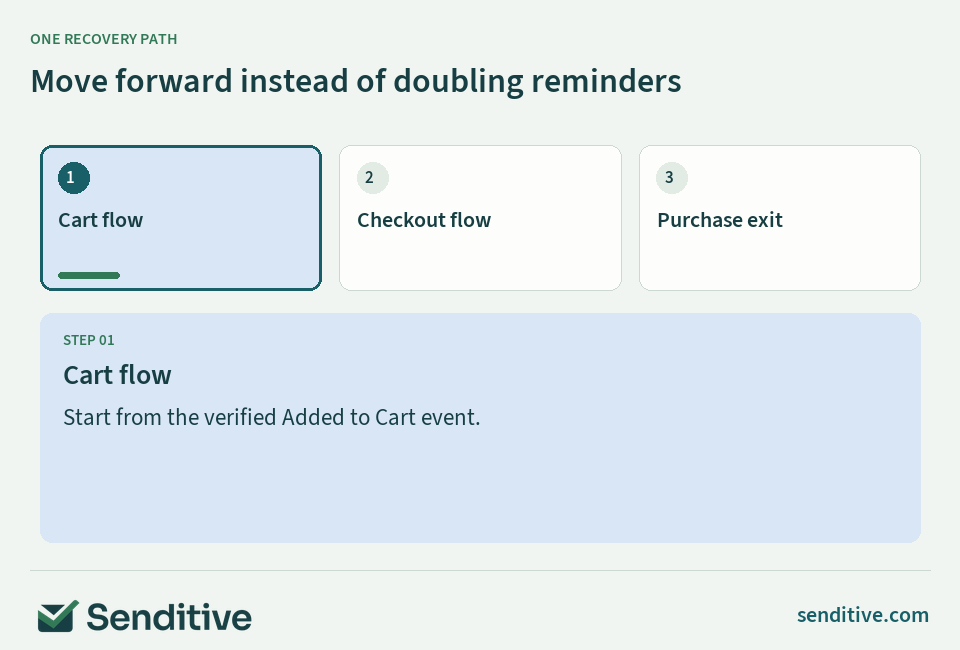
Create a simple stage hierarchy: browse, cart, checkout, purchase. Each later action should replace an earlier recovery conversation when appropriate. A shopper who has moved into checkout should not keep receiving an earlier cart series as though nothing changed. A shopper who bought should leave the recovery conversation.
Klaviyo documents a Started Checkout zero-times-since-starting-this-flow filter for the Added to Cart flow. It also recommends Placed Order zero times since starting this flow to prevent recovery messages after purchase. Profile filters are evaluated before messages, which matters when someone buys during a delay rather than immediately after entering.
Check the entire system as well as the individual flow. Shopify's native checkout automation, a legacy notification, Klaviyo, and another installed app can each contain reminders. Assign an owner to each recovery stage, inspect what is currently active, and disable the redundant marketing path deliberately. Do not remove order confirmations or shipping notifications as a shortcut.
Include the welcome series and scheduled campaigns in this map. Someone who subscribes at checkout may also enter a welcome flow. Decide how those conversations should cooperate, and test the combined experience. A clean flow diagram is only useful if the real account has the same priorities and exits.
Reference: Klaviyo: How to create an abandoned cart flow; Klaviyo: How to sync Shopify email subscribers to a Klaviyo list.
Match the recovery message to the unanswered question
A cart-stage email should help the shopper continue choosing. Use the actual product and variant where available, a clear route back, and one useful piece of guidance. Size, fit, materials, compatibility, or choosing between products can be more relevant than a message that assumes a payment problem.
At checkout, make the return path easy and address completion questions. Show where to find delivery and return information, explain how to get help, and keep the main call to action focused. Avoid stating that a card failed unless you have verified that specific issue and can appropriately help with it.
Treat discounts as a commercial decision rather than a required recovery step. Consider contribution margin, shipping costs, existing offers, repeat customers, and whether the incentive is teaching people to wait. If you test an offer, compare the resulting order value and net revenue as well as the number of people who returned.
Keep the subject line and preview text consistent with the email. Do not claim stock is reserved, a price is expiring, or a product is about to sell out unless your store can support that statement. Use the builder below to explore a useful angle, then replace its general guidance with your brand's verified policy and product information.
 senditive.com
Put the guide into practice
Write a more useful recovery message
Try a cart or checkout message built around a real buying question.
Live preview
Still considering your selection?
A closer look can help you choose.
senditive.comChange the fields to update the message.
Use a tested cart or checkout return link in the actual email. Check all policy and availability claims before sending.
Need help choosing your next step? Book a free consultation.
senditive.comTest timing against behavior, not a universal delay
The right first delay depends on the purchase decision and how quickly your customers normally finish. A low-complexity replenishment order and a considered furniture purchase do not need identical treatment. Look at the time between cart, checkout, and order events before choosing when to intervene.
Allow enough time for someone to complete their shopping session without receiving a reminder while still actively deciding. Test one meaningful change at a time: the first delay, the spacing of later messages, or the maximum number of contacts. Keep the eligible audience, offer, and follow-up window comparable so the result is interpretable.
Klaviyo's Smart Sending can limit recent messages within a channel, but email and SMS windows are separate. A skipped message is not automatically rescheduled. This means Smart Sending is not a replacement for stage-based exits or a complete cross-channel contact plan. Review which messages it skips rather than simply turning it off everywhere.
Reference: Klaviyo: Understanding Smart Sending.
Test the event, the rendered message, and the exit
Sending yourself an email preview tests the content, but does not prove that a real shopper will enter the correct flow. Use an actual test journey with a controlled profile: become identified through the route you want to verify, add a product, start checkout if relevant, and inspect the resulting events.
Test the cases that should receive a message and the cases that should not. Include an eligible cart-only shopper, a shopper who advances to checkout during the delay, a shopper who purchases before the next message, and a profile that does not meet channel eligibility. Confirm the expected outcome in each case.
Check the actual product variant, images, prices, currency, recovery link, mobile layout, and any policy links in the rendered message. Then open the destination and verify the shopping experience. A correct event with an incorrect product or a broken return link is still a broken recovery journey.
When a message does not send, read the specific recipient activity or automation run. Klaviyo lists reasons such as filters, Smart Sending, suppression, missing email, and rendering issues. Shopify's newer automation also exposes run details. Record the cause before changing several settings, then repeat the same test after the fix.
Reference: Klaviyo: Troubleshooting why a flow message skipped a profile; Shopify: Opt in to the new abandoned checkout automation; Klaviyo: Troubleshooting added to cart tracking.
Measure recovery outcomes without confusing credit with causation
Define your eligible cohort before reading a recovery percentage. Use unique people, a stated entry stage, and a fixed observation period. If the same shopper triggers several events, decide how they belong to the cohort. Counting events in the denominator and unique buyers in the numerator can produce a rate that is difficult to interpret.
Separate reach from outcome. Delivered recipients divided by eligible profiles describes delivery coverage. Unique buyers among delivered recipients describes an observed purchase rate. Net order revenue per eligible profile keeps skipped or undelivered people in view. State how refunds, discounts, taxes, shipping, and currency are treated in your revenue definition.
Platform-attributed revenue follows reporting rules. Klaviyo uses attribution windows and models; Shopify's recovered-checkout status can include a customer completing independently after a reminder was sent. Neither label, by itself, proves every credited order was caused by the message.
Compare like-for-like cohorts, and use a properly designed holdout when you need evidence of incremental impact and have enough volume to learn from it. The calculator below describes observed outcomes; it does not calculate causal lift or statistical significance. Review margin and customer experience alongside the revenue figures.
Reference: Shopify: Opt in to the new abandoned checkout automation; Klaviyo: Understanding Klaviyo message attribution.
Put the guide into practice
What happened to your eligible cohort?
Calculate delivery coverage, observed buying, and net revenue per eligible profile.
Use one entry-stage cohort and a fixed follow-up window. Count buyers only among delivered recipients. Revenue must come from those counted buyers, using a consistent net-revenue definition.
Enter the same cohort and fixed follow-up window, then calculate.
- Delivery coverage
- Observed buyers / delivered recipients
- Net revenue / eligible profile
Enter a cohort to see where delivery and buying outcomes differ.
Definitions and limits
- Coverage = delivered recipients ÷ eligible profiles.
- Observed buyer rate = unique buyers among delivered recipients ÷ delivered recipients. With no delivery, this rate is undefined.
- Net revenue per eligible profile = the entered buyer revenue ÷ eligible profiles. Net revenue may be negative after adjustments; use consistent treatment.
- These observed outcomes do not calculate incremental lift, attribution credit, or statistical significance.
Need help choosing your next step? Book a free consultation.
senditive.comBuild the most reliable recovery layer first
If you have no recovery program, start with the layer you can verify end to end. Checkout recovery is often a practical first candidate because it follows a later shopping action and can include a useful return URL. That is a prioritization judgment, not a guarantee that it will outperform cart recovery for every brand.
Add the earlier cart flow when its event tracking, identification, eligibility, and stage handoff are dependable. Build separate content for that earlier decision rather than copying the checkout sequence and changing its name. If checkout data is broken but cart data is reliable, fix the missing checkout evidence while making a deliberate decision about the usable cart opportunity.
In Shopify Messaging, inspect the current native recovery templates before adding another sending system. If you move from the legacy checkout email to the newer automation, Shopify describes that migration as permanent. Review the existing setup and ownership first rather than treating activation as an inconsequential template experiment.
Keep a short launch record: event source, audience rule, purchase exit, contact pressure, approved copy, test results, and reporting definition. A free consultation with Senditive can help you discuss that plan and decide what to build next. A smaller, verified recovery journey gives you a better foundation for iteration than several overlapping flows.
Reference: Klaviyo: Shopify data reference; Shopify: Creating and managing marketing automations in Shopify Messaging; Shopify: Opt in to the new abandoned checkout automation.
Your questions, answered
Is a Klaviyo abandoned cart flow always triggered by Added to Cart?
No. The name can cover either Added to Cart or Started Checkout. Check the actual trigger and integration source. For Shopify, verify the current behavioral-event tracking settings before assuming the earlier cart event is available.
Can I email everyone who leaves a Shopify cart?
A stored cart does not guarantee an identified, deliverable, eligible recipient. Check identity, channel status, suppression, the message type, and applicable sending rules. Entering an email at checkout does not itself mean the shopper subscribed to marketing.
Should both cart and checkout abandonment automations run?
They can address different stages if the tracking and audience support them. Use stage-based exits so someone who starts checkout leaves the earlier cart conversation, and stop recovery messages after purchase. Also check other apps and native Shopify reminders for duplication.
Why is my flow live but not sending recovery messages?
Trace a specific profile: confirm the correct event, check the delay and eligibility, then inspect the message's recipient activity or automation run. The reason may be an intentional filter or contact-pressure skip rather than a missing email design.
Choose your next improvement
Choose cart and checkout recovery by the event, the person you can contact, and the decision you can help them complete. Verify those foundations before expanding the sequence.
Then keep the journey coherent: an earlier cart message should give way to checkout, a purchase should end recovery, and reporting should distinguish observed orders from incremental impact. That structure makes each test easier to understand and each customer interaction more useful.
Sources and further reading
- Klaviyo: How to enable onsite tracking for Shopify
- Klaviyo: Shopify data reference
- Klaviyo: How to create an abandoned cart flow
- Klaviyo: Understanding cookies in Klaviyo
- Klaviyo: How to sync Shopify email subscribers to a Klaviyo list
- Shopify: Creating and managing marketing automations in Shopify Messaging
- Klaviyo: Troubleshooting why a flow message skipped a profile
- Klaviyo: Understanding Smart Sending
- Shopify: Opt in to the new abandoned checkout automation
- Klaviyo: Understanding Klaviyo message attribution
- Klaviyo: Troubleshooting added to cart tracking
- Shopify: Recovering abandoned checkouts — legacy experience