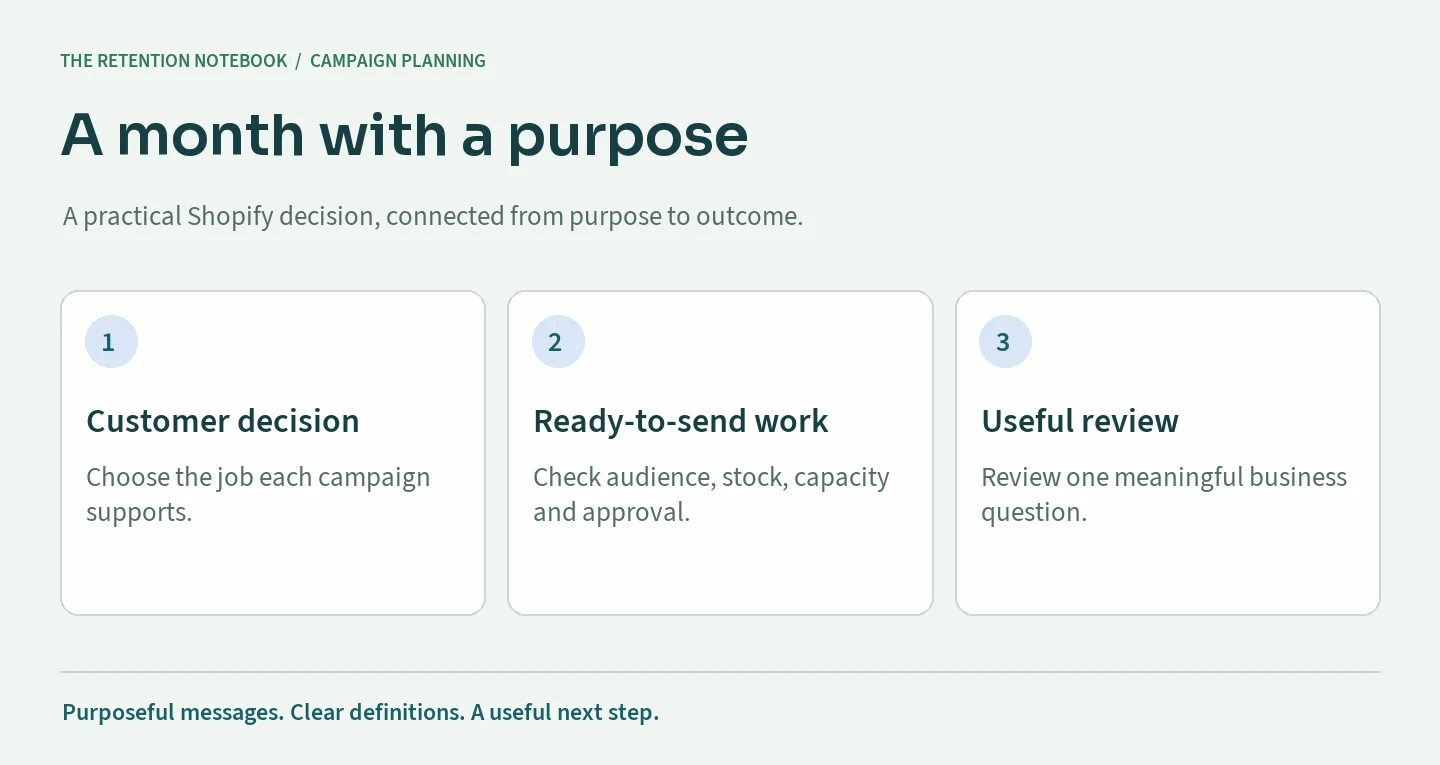
A monthly campaign calendar should make the next customer decision easier and the team's work more predictable. Filling every Tuesday with an email is a scheduling exercise. A useful calendar explains why each message exists, who should receive it, what must be ready, and how the team will decide whether the send helped.
For a Shopify brand, the plan also has to fit inventory, merchandising, welcome flows, recovery messages, and the people approving the work. A product launch can move. A delivery promise can change. A subscriber can buy before a scheduled campaign reaches them. The calendar needs room for those facts.
Use this guide to build one month at a time without treating every subscriber as the same audience. The tools below help you choose a content mix, check production capacity, and write a usable campaign brief. Their schedules are planning drafts; your store data and operating constraints determine the final choices.
Start with a business decision, not an empty date
Choose the decision your month needs to support. A store introducing a new category may need product education before a launch. A brand with repeat customers may need use advice and replenishment reminders. A store clearing a particular range needs a specific inventory objective, with the margin and audience restrictions that accompany it.
Turn the objective into a question you can answer. Instead of “send more email,” ask whether a comparison guide helps new subscribers choose a first product, or whether a care campaign brings existing owners back to a useful accessory. The question gives the writer, designer, and analyst the same starting point.
Write down what would change your next decision. That might be more qualified product visits, more first orders within a defined period, or fewer support questions about compatibility. Choose a primary business measure and a few guardrails. An open rate alone rarely tells you whether the commercial objective was achieved.
Keep other needs visible without giving every need equal space. Customer service may need an important update; the warehouse may need to pause a product feature. Record those dependencies beside the objective. A calendar is easier to adjust when the team knows which commitments are essential and which ideas can move.
Reference: Shopify: Create a content marketing strategy.
Inventory the facts before choosing the content mix
Collect the facts that could make a message useful or misleading: product availability, planned launches, delivery cutoffs, active promotions, customer questions, recent reviews you have permission to use, and relevant product-use guidance. Confirm who owns each fact and when it was last checked. A creative idea is not a verified merchandising promise.
Separate confirmed events from tentative ones. Give an uncertain restock a decision date and a fallback campaign. Do not schedule “back in stock” copy solely because a supplier expects delivery. The fallback can address a buying question about an available collection, which keeps the production work useful if stock arrives late.
Review the previous month at the same time. Look for unanswered customer questions and repeated subjects, not just the message with the largest attributed revenue number. A promotional campaign can lead a revenue report while leaving an education gap. The next month should reflect both commercial results and the experience customers are having.
Build a small source library with product links, approved claims, current policies, and reusable photography. Include restrictions such as excluded regions or unavailable variants. This makes the calendar a practical production input rather than a list that forces each person to research the same details again when their deadline arrives.
Reference: Shopify: Create a content marketing strategy.
Give each audience its own reason to receive a message
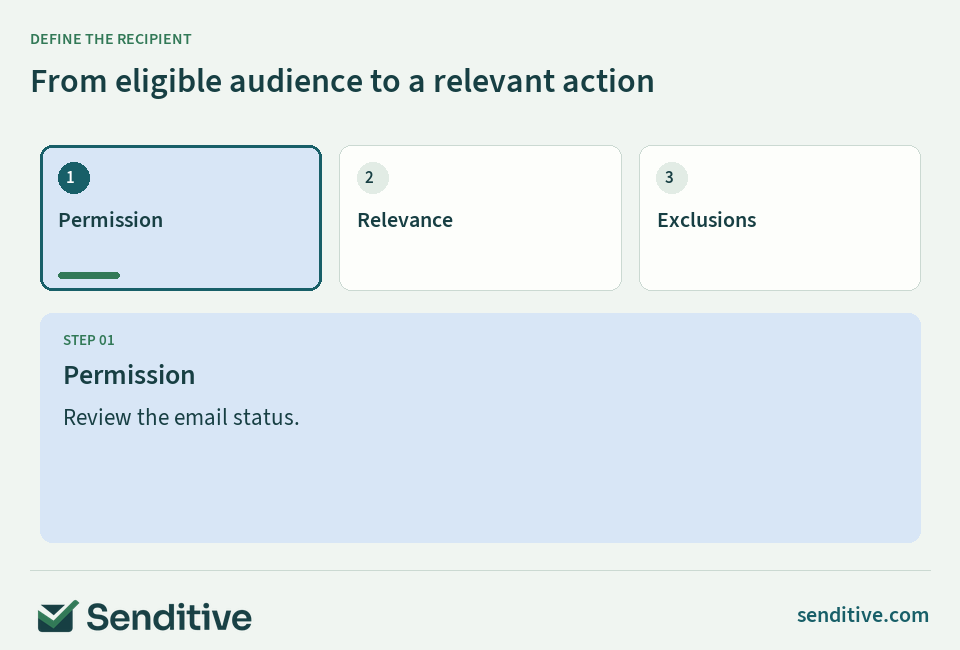
Define the audience before the subject line. A first-time subscriber deciding between products needs different information from someone who bought last week. An accessory campaign should reflect ownership or a demonstrated interest where your data supports it. Avoid assuming every eligible email address represents the same customer need or product familiarity.
For each calendar entry, describe the inclusion rule in plain language, then name the exclusions. Relevant exclusions might include recent purchasers of the featured product, people currently receiving a launch-specific sequence, or subscribers whose stated frequency preference does not match the send. Translate these descriptions into verified platform segments before scheduling.
Keep permission separate from relevance. Someone can be interested in a product and still be ineligible for marketing email. A useful audience definition starts with the correct subscription and suppression conditions, then adds the business criteria. SMS eligibility needs its own review; an email calendar should not silently become an SMS sending plan.
Check that the audience is large enough for the intended learning and small enough to stay relevant. There is no requirement that every campaign reach the whole list. A narrower message with a clear purpose can be more useful than a broad send whose only rationale is filling a vacant day on the calendar.
Reference: Shopify: Create email campaigns using Shopify Messaging.
Put the guide into practice
Monthly campaign mix planner
Give each slot a distinct customer job.
A four-week planning draft. Review audience, stock, approvals and automated journeys before scheduling.
Enter the facts, then review the result
- Complete the inputs to review this decision using your own store facts.
Discuss the next decision in a free consultation.
 senditive.com
Balance education, product choice, reassurance, and promotion
Build a mix around customer decisions rather than a fixed quota of discounts. Education explains how a product fits a real use. Product-choice content compares options. Reassurance answers questions about care, delivery, fit, or compatibility. Promotion introduces a genuine offer with clear terms. These roles can work together across a month.
Use the sequence to reduce repetition. A comparison campaign can prepare readers for a product feature later, while a care message can serve existing owners between commercial announcements. Change the question, destination, or audience when you revisit a category. Replacing the subject line on the same promotion does not create a distinct reason to send.
Check the destination while you plan the message. If the campaign promises a comparison, the landing page needs the comparison. If it addresses delivery, the current policy must answer the relevant region's question. Do not let the email carry information the site contradicts or hides behind an unrelated collection page.
Use a seasonal event only when it fits the customer and product. A holiday can help organize work without becoming the reason for every campaign. Leave space for a useful evergreen send and for a genuinely necessary update. That flexibility makes the calendar resilient when a launch, offer, or stock commitment changes.
Reference: Shopify: Create a content marketing strategy.
Check production capacity before increasing volume
Estimate the work behind each campaign: research, copy, design, build, audience setup, quality checks, approval, and reporting. Include coordination time and revisions. A simple product update and a new comparison campaign may require very different effort, even if both occupy one box on a monthly calendar.
Compare the estimate with the time the actual team can provide. Identify the bottleneck rather than averaging it away. Ten available design hours do not solve a missing legal or merchandising approval. Name one accountable owner for the final send and separate that responsibility from the people supplying facts or creating assets.
Set a practical limit on work in progress. Preparing every campaign halfway can leave the team with nothing ready when the month begins. Finish and check the next important message, then advance the following one. Reuse a dependable layout when it helps production, while keeping the content and audience specific to the brief.
Protect time for the unexpected. A broken link, unavailable product, or urgent customer update should not require canceling every planned check. If the plan only works when nobody requests a revision, reduce its scope. A smaller calendar the team can execute reliably gives you better evidence for the next planning cycle.
Use a free consultation to discuss the campaign workload your store can sustain.
Put the guide into practice
Campaign production capacity check
Compare the proposed work with available team time.
Include research, design, build, approval, QA and reporting in the hours per campaign. This is workload arithmetic, not a productivity benchmark.
Enter the facts, then review the result
- Complete the inputs to review this decision using your own store facts.
Discuss the next decision in a free consultation.
senditive.comWork backward from each send with clear approval gates
Choose the send date after the readiness requirements are understood. Work backward to set deadlines for the brief, factual approval, copy and design, build, audience review, and final authorization. A date without these earlier checkpoints hides risk until the message is already late or rushed.
Make approval concrete. The approver should review the subject, preview text, offer, audience summary, exclusions, destination, and mobile rendering together. A design approval is not necessarily permission to send to a particular audience. Record what was approved, by whom, and which material changes require another review.
Define a cutoff for unresolved issues. If the stock or terms are not confirmed by that point, use the fallback or move the campaign. Do not solve uncertainty by weakening the quality check. The calendar should make a missed dependency visible early enough that the team can choose a sensible alternative.
Keep a version trail for meaningful changes. If the discount, destination, or send audience changes after approval, update the brief and alert the owner. A short record prevents the team from reviewing one version while scheduling another. It also explains why an apparently similar campaign required different work when you review the month later.
Reference: Shopify: Create email campaigns using Shopify Messaging.
Coordinate campaign dates with automated journeys
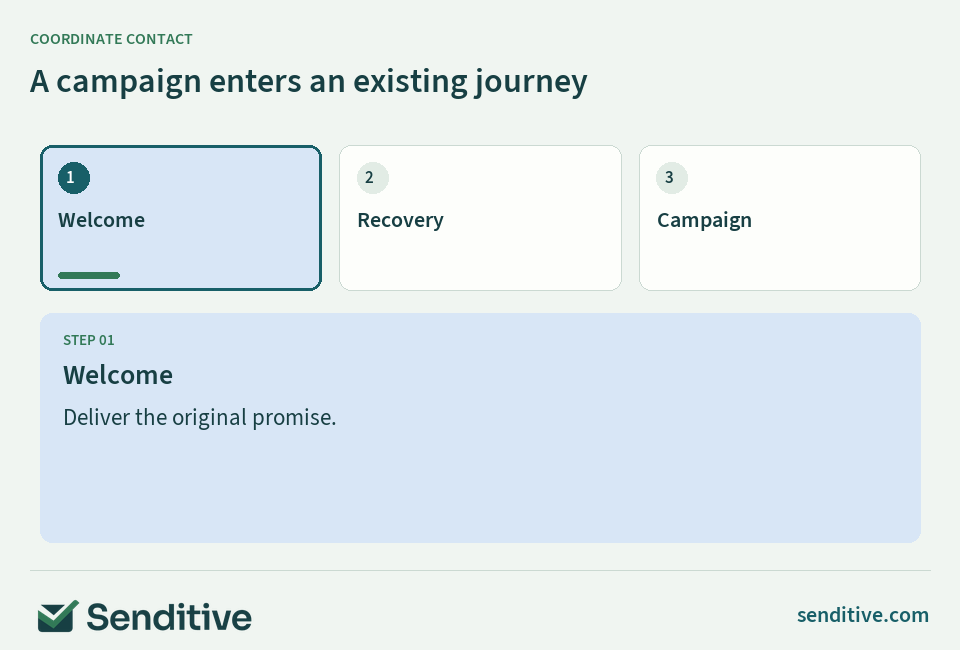
Review the subscriber's experience across flows and campaigns. A new subscriber may already receive a welcome message; an active shopper may receive recovery email; a recent buyer may need product-use information. Put those journeys beside the calendar so a campaign date does not imply an empty inbox for everyone on the list.
Choose message priorities and exclusions before relying on a contact-pressure setting. A first-order promotion may become irrelevant after purchase, even if the last email was long ago. Smart Sending can limit recent contact within its configured channel window; it does not decide which customer conversation should take priority or rewrite an outdated offer.
For a major launch, identify the journeys that need temporary audience adjustments and those that should continue. Keep genuinely necessary service communication distinct from discretionary marketing. Test representative paths: a fresh signup, a shopper who starts checkout, and someone who buys immediately before the campaign. Check the expected result in recipient activity.
Do not treat a skipped message as a delayed message unless the system explicitly schedules it again. If a campaign is skipped because of contact pressure, decide whether its purpose still matters later. Sometimes the correct action is to let it go rather than inventing a resend that adds another interruption to the same customer journey.
Reference: Klaviyo: Understanding Smart Sending.
Schedule with audience freshness and timezone choices in mind
The time shown on a calendar is only part of a send plan. Confirm the timezone, recipient selection timing, and whether the campaign is sent together or across local timezones. These choices affect which customer state the audience reflects and how long the delivery process can extend.
Klaviyo offers a setting to determine campaign recipients at send time; its current documentation explains that recipient-local delivery uses a prepared snapshot rather than rechecking the audience before every timezone batch. Review the actual setting in your account. Do not assume a segment definition guarantees continuously refreshed membership throughout a long send.
Shopify Messaging lets you review and schedule a custom date and time and provides test-email controls. Use the platform's current interface as the source of truth for the options available to your store. A suggested send time is an input to planning, not a guarantee that a particular audience will buy.
When comparing send times, keep the comparison interpretable. Changing the message, audience, offer, and weekday simultaneously makes the result hard to explain. Record the timing question and the conditions you are holding steady. For a small audience, prioritize dependable execution and useful content over a complicated timetable that produces little reliable learning.
Reference: Klaviyo: Campaign schedule and send options; Shopify: Create email campaigns using Shopify Messaging.
Put the guide into practice
Campaign brief builder
Connect audience, purpose and destination before writing.
Use current approved product facts. This local brief does not create or schedule a campaign.
Enter the facts, then review the result
- Complete the inputs to review this decision using your own store facts.
Discuss the next decision in a free consultation.
senditive.comRun one complete preflight for content, audience, and destination
Read the campaign as a recipient. Does the subject match the message? Does the preview text add useful context? Is the main action visible on a phone? Can a reader understand the offer restrictions without searching the footer? Check the unsubscribe or preferences path and any personalization fallback before approving the send.
Follow every important link through the store. Verify the intended product, collection, guide, or policy on mobile, including relevant variant and regional details. Check that campaign tracking parameters survive the actual link path. A correct email preview cannot prove that the store destination, stock state, or discount application works.
Review the audience independently of the creative. Confirm consent conditions, exclusions, recent purchases, frequency preferences, and the intended recipient count. Investigate surprising changes instead of accepting them because the segment name looks familiar. Save a short audience summary with the final brief so later reporting has a defensible denominator.
Give the final reviewer a specific stopping rule. An unverified offer, broken destination, unexpected audience, or unresolved mobile error should pause the send. Establish who can release it after correction. Clear ownership removes the pressure to treat a calendar date as authorization when the campaign no longer meets its own brief.
Reference: Shopify: Create email campaigns using Shopify Messaging.
Review the month and carry one useful change forward
Review the campaign's intended outcome over a suitable period, then review the operating process. Separate recipient reach, engagement, buying outcomes, and production reliability. A campaign can be well executed yet commercially inconclusive; another can generate orders while consuming more time or margin than the team expected.
Compare like with like. Record the audience definition, message purpose, attribution settings, and review window before comparing campaigns. Do not add together overlapping platform revenue totals or assume that credited revenue is incremental revenue. The calendar should retain enough context to explain a result without rebuilding the story from memory.
Ask what the team learned about the customer decision. Which question still needs a better answer? Which destination failed to support the message? Which audience should receive less contact? Choose one change for the next month and assign its owner. Avoid replacing a clear learning with a long list of unranked creative ideas.
Keep the calendar alive without rewriting it every day. Hold a brief recurring review of imminent sends, dependencies, and customer-contact conflicts. Archive the final version with results and unresolved questions. Over several months, that record becomes a practical planning resource built from your store's work rather than a generic holiday template.
Discuss the next planning improvement and a personalized roadmap in a free consultation.
Reference: Shopify: Create a content marketing strategy.
Your questions, answered
How many email campaigns should a Shopify brand plan each month?
Choose a number your audience needs and your team can execute reliably. Inventory received automated messages, content usefulness, preferences and production capacity before filling the calendar. There is no universal monthly count that fits every store.
Can the same calendar include email and SMS?
Yes, as a coordination plan, with separate permission, timing and content decisions for each channel. Do not assume an email audience or contact-pressure setting makes the same people eligible for SMS.
Should I schedule every campaign at the start of the month?
You can prepare work in advance, but confirm the recipient-selection setting, stock, terms and final approval near the relevant send. Keep fallbacks for uncertain launches and review whether a prepared audience still matches the purpose.
What should go in an email campaign brief?
Include the customer question, objective, audience and exclusions, approved facts, destination, primary action, owner, deadlines, quality checks and review measure. This connects the creative work with the actual sending decision.
Choose one useful next decision
Start with the customer decision and the facts your store can verify. Keep the definition, owner and review period visible so the next change can be understood and maintained.